Web site page loading speed optimization online tools & tests

Web site page load speed optimization is now the topic of discussion on alot of online webmaster forums. Ever since Google announced changes to their search algorithms to factor in web site page loading speed, there have been alot of tools, guides and resources popping up on the internet for helping webmasters reduce their site’s page loading times. If you want to squeeze out even more site response time speed, you’d also want to look at improving domain name DNS response time and latency and implementing CDN static file servers.
I’ll list the online site tools and page speed test sites, that I have used to help analyze and optimize my vBulletin and wordpress site’s page load speeds. I won’t go into detail with all the ones listed, but will highlight the ones I find useful. You can easily reduce page loading times by 5-30 seconds or shave 50-200KB per page load following the recommendations outlined by the below web page speed optimization tools and tests. If you find this post useful, feel free to share/vote on social media site links at top of post i.e. facebook, reddit, twitter, google+ etc ;)
1. Firefox Firebug, Google Page Speed, Yahoo YSlow, Firecookie add-ons
The most used tool in my arsenal – be careful not to get addicted into constantly tweaking and tuning your site’s page loading speed for shaving off that last second! You’ll need to have Firefox browser installed to make use of all these firefox adds.
Firebox Firebug
Google Page Speed add-on for Firebug
– http://code.google.com/speed/page-speed/
Yahoo Yslow add-on for Firebug
– http://developer.yahoo.com/yslow/
– https://addons.mozilla.org/en-us/firefox/addon/yslow/
Firecookie add-on for Firebug – Useful for viewing and managing cookies. Comes in handy with testing Varnish cache
– https://addons.mozilla.org/en-us/firefox/addon/firecookie/
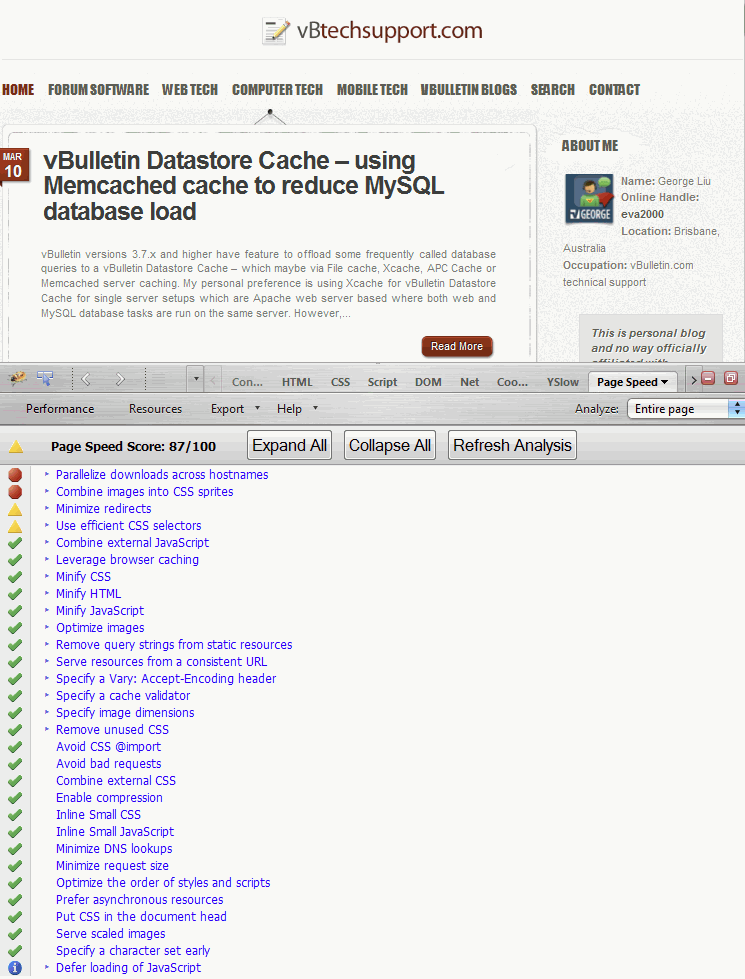
A Google Page Speed grade score between 75-85% would be considered good. Greater than 85% very good. Yahoo Yslow grade score between 70-80% would be considered good. Note if you use CDN networks, Firebug may not recognise your customised CDN CNAME url so will report a lower score in that CDN tests. In Firebug, for Yahoo YSlow you can edit via about:config the option “extensions.yslow.cdnHostnames” and add your custom CDN CNAME’s separated by comma (see below)
 Firefox Firebug – Google Page Speed
Firefox Firebug – Yahoo YSlow Add-on
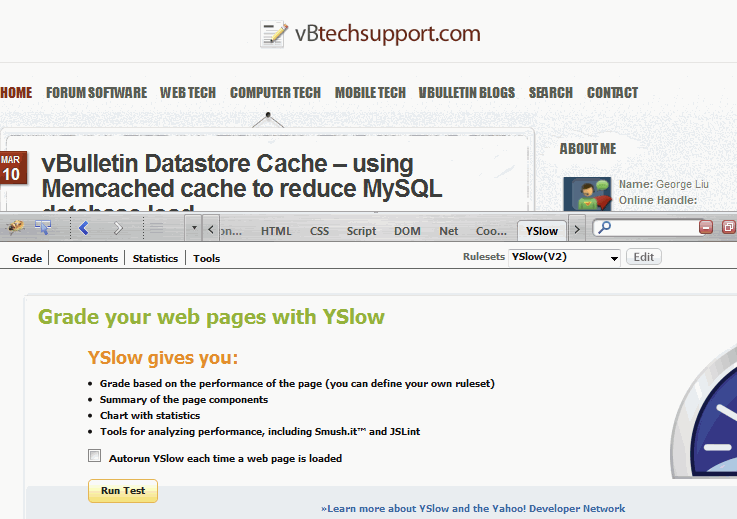
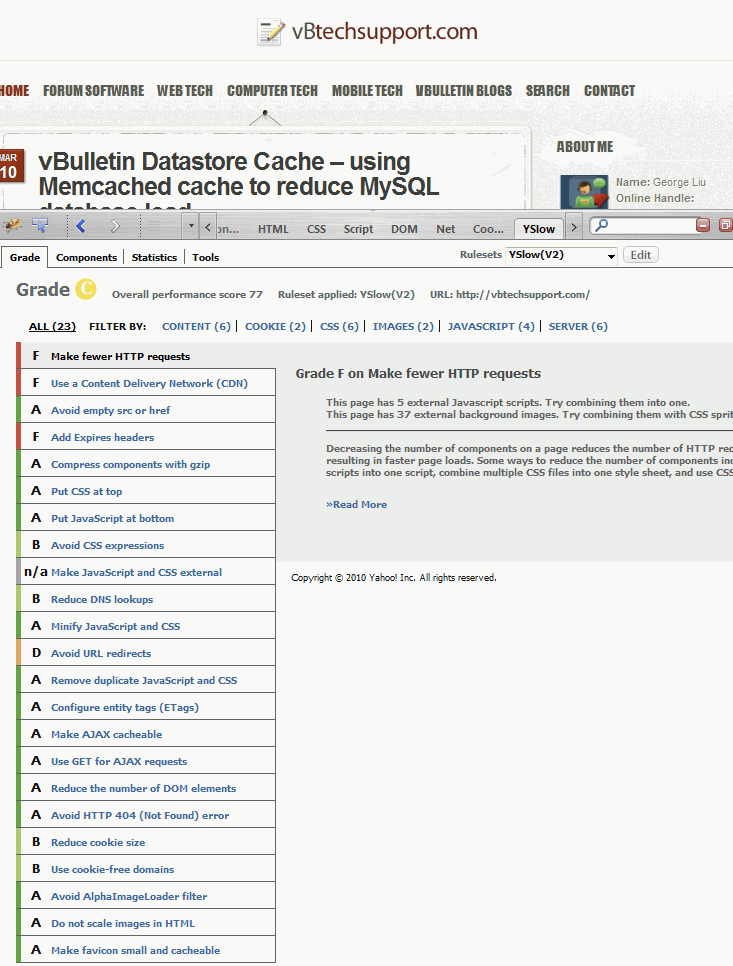
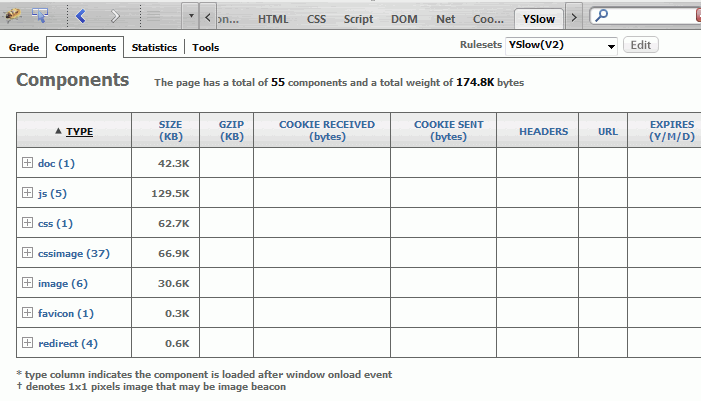
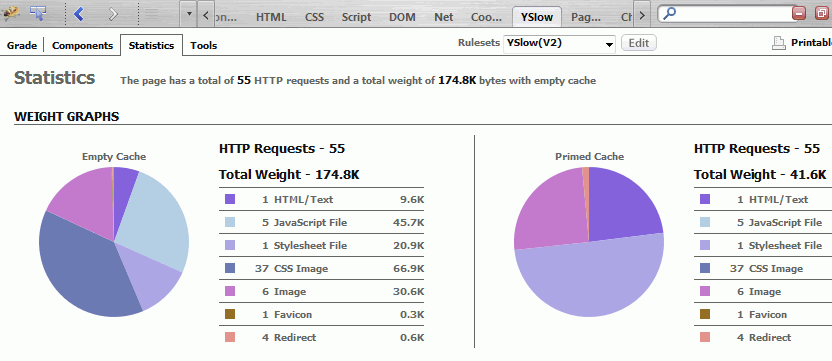
If you don’t use Firefox browser, you can also check out online GTMetrix.com tests which have both a Google Pagespeed and Yahoo Yslow grade score breakdown. Not as much detail as Firefox Firebug + add-on though.
2. Internet Explorer browser plugin
– http://sourceforge.net/projects/pagetest/files/
Browser plug-in for Internet Explorer that visually displays the underlying requests made by the browser for content. It also provides suggestions on how to improve the performance of the measured page.

